
Core Gameplay Loop
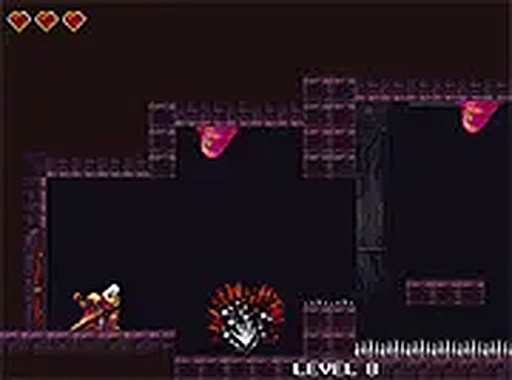
Pixel Leap Champion centers on precise movement and timing. Players control a small hero who runs and jumps across a series of floating platforms. Each stage presents a unique arrangement of gaps, ledges, and moving obstacles that require careful observation to navigate. The goal is simple: reach the exit point at the end of each level. Success depends on reading the environment and executing jumps with the right amount of force and timing.
Visual Style & Atmosphere
The game uses bright, colorful pixel art to create a cheerful and inviting world. Each level features distinct color palettes and background elements that evoke the charm of early arcade games without feeling dated. The animations are smooth, and the visual feedback for jumps and landings is clear, helping players understand their character's position in the game space. This friendly aesthetic makes the game approachable for all ages.
Accessibility & Platform Support
One of the key strengths of Pixel Leap Champion is its accessibility. The game runs entirely in a web browser, requiring no downloads or installations. It works on both desktop computers and mobile devices, adapting to touch controls or keyboard inputs as needed. This cross-platform compatibility means players can enjoy the game on a variety of devices, whether at home or on the go.
Progression & Difficulty Curve
Levels in Pixel Leap Champion gradually introduce new challenges. Early stages focus on basic jumping and simple platform layouts, allowing new players to build confidence. Later levels incorporate more complex patterns, tighter gaps, and faster-moving obstacles that demand improved reflexes and planning. This steady increase in difficulty keeps the game engaging without becoming frustrating, as each success feels earned through practice.
Controls & Responsiveness
The control scheme is straightforward: directional inputs move the hero left or right, and a dedicated button triggers a jump. The game responds instantly to commands, which is crucial for precise platforming. On mobile devices, on-screen buttons appear in a comfortable layout, while desktop players can use keyboard arrows or WASD. A full-screen option is available for a more immersive view, and the interface remains clean and unobtrusive throughout.









Comments
0 comments