
Game Introduction
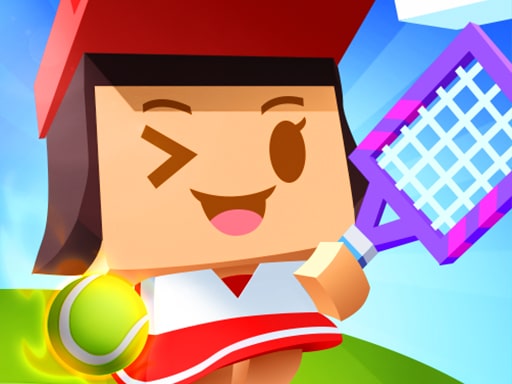
Tennis Court 3D Arcade is a sports game that places you on a realistic three-dimensional court for fast-paced tennis action. Designed for quick sessions, it removes complicated menus so you can jump straight into the match. Compete in a full tournament against AI opponents, following standard tennis rules: win points to take games, win games to take matches. The simple controls let you focus on timing and placement, aiming for the corners to outplay your rival. The 3D graphics create an immersive feel without demanding high performance from your device, making it accessible whether you have five minutes or an hour.
How to Play
Players typically control their character using mouse movements to move around the court. Clicking the mouse hits the ball. The game automatically positions you for returns, but you need to time your clicks for power and accuracy. Serve by clicking when the ball is tossed. Volley by clicking early. Smash by clicking when the ball is high. The opponent reacts to your shots, so mixing up placements is key. Keep the ball in play and force errors. Win points to win games, win games to win matches. The tournament progresses through rounds, with each match getting harder as opponents improve. No special keys or settings are needed—just mouse clicks and movement.
Game Features
Simple mouse controls make the game easy to learn. Realistic 3D court and player models create an immersive experience. Tournament mode gives you a clear goal and progression. No setup or tutorials required, so you can start playing immediately. Smooth gameplay works on most devices. Standard tennis rules make it familiar for sports fans. Quick matches fit into short breaks, allowing for engaging sessions that are easy to pick up and hard to master.
Tips for Success
Focus on timing your clicks rather than just swinging wildly. Aim for the corners of the court to make your opponent run. Mix up your shots—alternate between deep baseline hits and short drop shots to keep the AI guessing. Watch your opponent's positioning and try to hit the ball where they are not. Practice your serves to gain an early advantage in each game. Stay patient and avoid unforced errors; letting the opponent make mistakes can be just as effective as hitting winners.









Comments
0 comments